
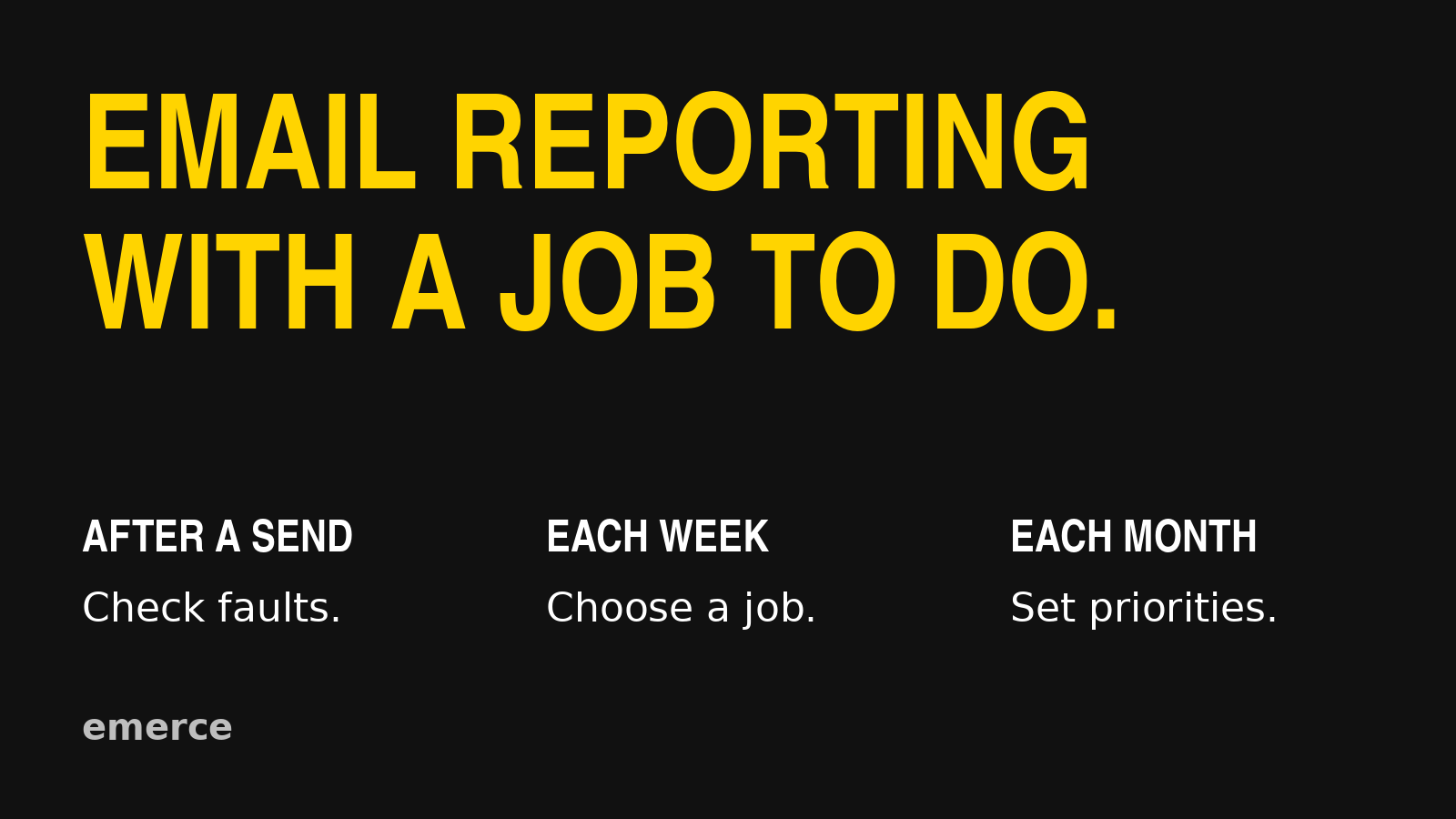
Review email in three passes: check for problems after a send, choose the next improvement each week, and review the wider program each month. Use comparable results, give orders time to arrive, and leave every review with a decision, an owner and a date to check it.
A reporting routine should help you run the channel. It should not give you another spreadsheet to maintain out of guilt.
The useful question is not “Which numbers can we pull?” It is “What decision do we need to make?”
Here is the routine I would start with. Treat the timing as a working approach, not a rule that every store needs to follow. A high-volume store may spot a change quickly. A smaller one may need several comparable sends before it has enough evidence to act.
After a send: check whether something needs fixing
The first review is a health check. Confirm that the email went to the intended audience, the send completed as expected, and the links lead to the right place.
Then follow the customer's path. Does the product page load on a phone? Is the promoted item available? Does the discount work under the conditions stated in the email? Can the customer finish checkout?
A broken link does not need a statistically impressive sample. Fix it when you find it. Check whether queued or automated messages contain the same fault, too.
Watch delivery failures, complaints and unexpected audience changes. Investigate a sharp change promptly. The first number you see may still need checking, but you should not wait for the monthly meeting to look at a possible sending problem.
What you should avoid is grading a campaign's final revenue while customers are still deciding whether to buy. A send from this morning and a send from last week have not had equal time to produce orders.
Record when you will return to the result. The right delay depends on your customers' buying cycle and your reporting settings. There is no useful universal promise that every campaign is “done” after the same number of hours.
Each week: choose the next job
Once comparable results have had time to develop, review campaigns by what they were meant to do. Keep a product launch separate from a replenishment reminder. Compare similar audiences and offers before deciding that one message was better.
Start with a small set of questions:
| Question | What to review | What it helps you decide |
|---|---|---|
| Did recipients take the next step? | Click rate, useful link clicks and the email itself | Whether to inspect the audience, message or offer |
| Did the buying path hold up? | Orders alongside clicks, page visits, stock and checkout | Whether the next investigation belongs on the site |
| Did more reach produce useful revenue? | Total attributed revenue, revenue per recipient and audience size | Whether a broader send deserves another test |
| Did the send create a cost? | Unsubscribes and complaints by audience and campaign | Whether targeting, repetition or frequency needs attention |
These are starting points for an investigation. A click rate does not explain why someone clicked. A weak order result does not prove the checkout is broken.
Use the email metrics guide for the scorecard itself. This weekly review is where you turn that scorecard into work.
Pick one useful next action. Name the person doing it and the date you will review it. “Improve engagement” is not an action. “Check whether the campaign promise matches the first screen of the product page” is.
Keep the comparison honest
Before changing an email, check what changed around it.
Who received each send? Were they recent customers, active shoppers or a much broader list? Was one offer stronger? Did the audience size, available stock, send day or product price change?
Check the report, too. Use the same conversion metric, timezone and attribution settings. Save the reporting window alongside the result so the next person can reproduce it.
Klaviyo's attribution settings determine which interactions can receive credit and over what period. That credited revenue is a reporting measure. It does not, on its own, prove that email caused every order. See Klaviyo's conversion tracking explanation.
Exports can introduce another mismatch. Klaviyo documents that its metric aggregation endpoint groups events by when they happened, while campaign and flow performance in its interface uses send date. If a spreadsheet and dashboard disagree, check the date basis before looking for a marketing explanation. The Reporting API documentation explains this distinction.
You do not need to become a reporting engineer. You do need to know whether you are comparing the same thing.
Each month: review where the effort should go
The monthly review asks a broader question: are we spending our time on the right work?
Look at campaign types, important flows, audience growth and audience losses. Consider how many customers are entering each flow, where they stop responding, and whether the sequence still matches the offer and buying journey.
Separate scale from efficiency. A flow can produce less total revenue because fewer people entered it. That does not automatically mean its copy got worse. Check the volume entering the sequence before rebuilding the messages.
Review the work you chose last month. Was it completed? Did the intended result move? Were other changes large enough to make the comparison unclear? Decide whether to keep the change, revise it or collect more evidence.
Then choose the next priority. A broken purchase path, an important missing message and a slightly tired template do not deserve equal attention. The flow optimization guide can help you order that work.
A worked example: clicks held up, orders did not
Imagine a store sends two product campaigns to similar groups of recent shoppers. The later send earns a similar click rate, but fewer orders after the same observation period.
That is a reason to investigate after the click. It is not a verdict.
The team checks the links and finds that the featured size is sold out on the landing page. The next job is to correct the product destination and check stock before the next send. Rewriting the subject line would not put the size back on the shelf.
If the page and stock look fine, the team checks the offer, audience and tracking next. It may need more evidence before choosing a test. “Wait and check again on Friday” can be a sensible decision when it has a reason and an owner.
Here is what the decision record could look like. This is an illustration, not a client result.
| Field | Example |
|---|---|
| Observation | Similar click rate; fewer orders in comparable product sends |
| Finding | Featured size unavailable on the landing page |
| Action | Correct the destination; add a stock check before the next send |
| Owner | Campaign manager, with the ecommerce team |
| Review | Next comparable send after the same observation period |
| Watch alongside orders | Click rate, audience mix, unsubscribes and complaints |
What if there is not enough data?
Do not manufacture certainty to fill the meeting.
Keep checking for faults. For performance decisions, group genuinely comparable sends, look at the underlying order counts as well as rates, and allow a longer review window when volume is low. A large percentage change built on a handful of orders deserves caution.
Write down what evidence would change the decision. That keeps “we need more data” from becoming a permanent excuse to do nothing.
Make the report end with a decision
After a send, find faults. Each week, choose the next improvement. Each month, decide where the team's effort belongs.
Keep the comparison clear, the action specific and the follow-up date visible. If the report cannot help anyone decide what to do, adding another chart probably will not rescue it.
Start with the Emerce email metrics guide, then give each number a job in your review.