
Use a campaign when a shared moment makes the email useful: a launch, a sale or something your audience needs to know now. Use a flow when a customer’s action or milestone starts the clock: a signup, an order or a birthday.
That is the starting point. Not a rule that every email must obey without question.
A campaign can target people based on what they bought. A flow can wait until a particular time to send. The useful distinction is not whether you used a segment or added a delay.
It is this: what makes this email useful right now?
Start there. The platform has enough boxes to click once you know the answer.
Campaigns and flows do different jobs
A campaign usually serves a shared moment. You choose an audience and arrange the send around that moment. A weekend promotion, product launch or company update fits here.
A flow responds automatically when someone reaches a defined event or condition. People can enter at different times. The follow-up runs relative to their own situation.
Klaviyo’s flow guidance includes examples such as joining a list, placing an order and reaching a date stored on a profile. Flows can contain delays and different paths. That makes them useful for repeatable customer moments—not just sales reminders. Klaviyo: Getting started with flows
Neither format makes the email good by itself. A confusing message does not become helpful because it sends automatically. It just becomes reliably confusing.
Ask three questions before you build
1. What starts it?
Write the reason in one sentence.
“We are launching the new range on Friday” points toward a campaign.
“This person just signed up and needs an introduction” points toward a flow.
“It is Tuesday and we normally send something” points toward a better reason.
For a flow, check that your store and email platform can identify the moment reliably. A clever follow-up is not useful if the event never arrives, arrives twice or misses the product information you need.
For a campaign, check who actually has a reason to care. A shared launch date is not permission to send to every address you have ever collected.
2. How long does it stay useful?
A launch announcement has a shelf life. Last Friday’s launch may still matter, but “launching today” will not.
A product-care email can stay useful for months because each new buyer reaches the same need at a different time.
This question catches a common mistake: putting a dated offer into an evergreen flow and then forgetting it exists. A month later, the automation is still enthusiastically announcing a sale that ended weeks ago. Very committed. Not very helpful.
Before automating an offer, decide how you will keep dates, stock, prices and terms accurate. If the message cannot stay useful without constant manual repairs, a campaign may be easier to manage.
3. What makes it stop?
The event that starts a flow is only half the job.
If a shopper finishes the order, the abandoned-checkout reminder should stop. If an offer ends, messages promoting it should stop. If someone unsubscribes from marketing, the marketing emails should stop.
In Klaviyo, profile filters are checked again before flow components; trigger filters are not rechecked at send time. For checkout recovery, a suitable purchase filter can prevent a later reminder after an order. Verify the actual setup rather than assuming the template covers it. Klaviyo: Trigger and profile filters
Also decide whether someone should enter again, and when. Check the options for the trigger you use. A repeat purchase and a first signup are not the same situation.
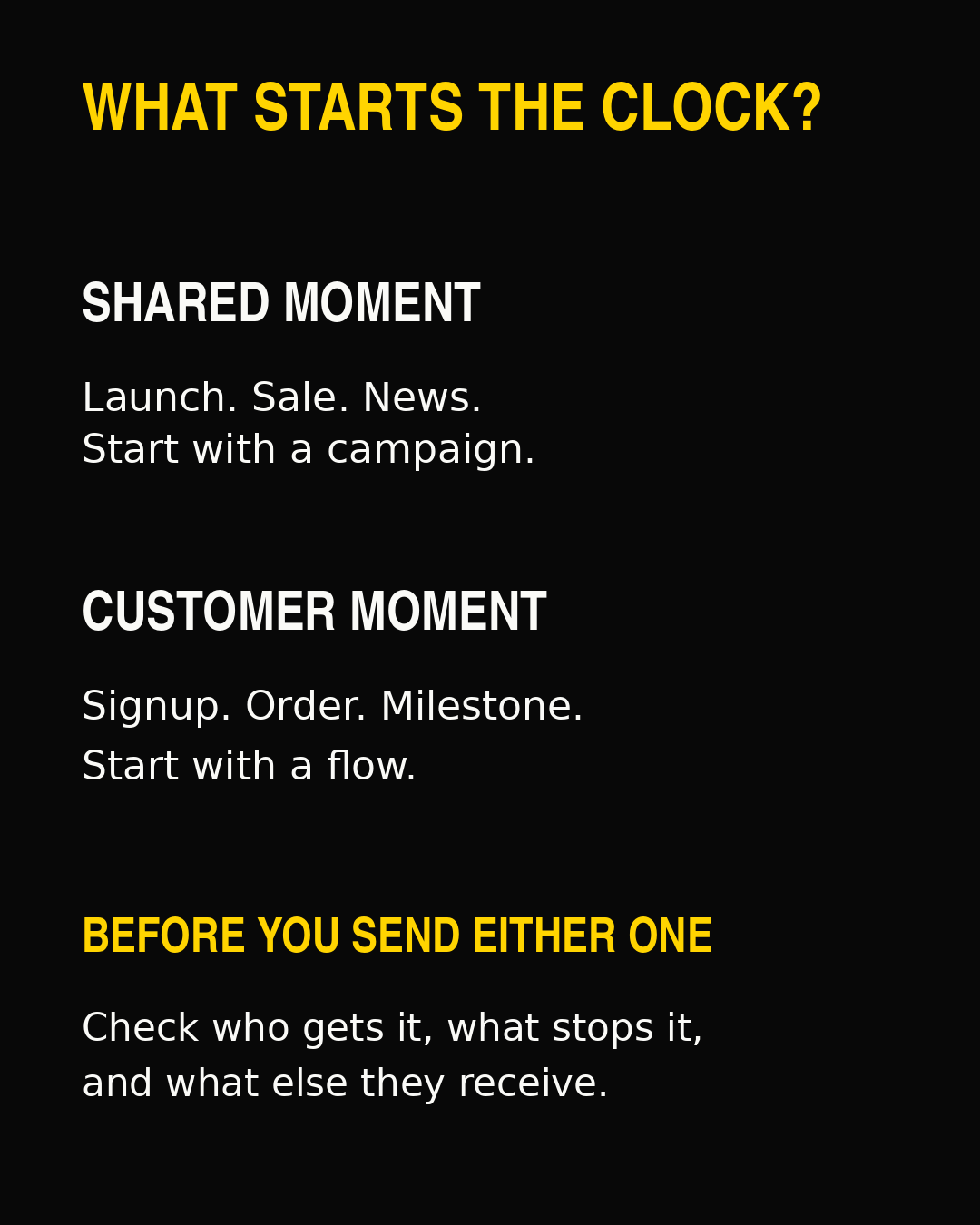
Choose the starting point, then check recipients, stopping rules and other sends.
The same product can need both
Imagine you sell a refillable skincare product.
The launch email is a campaign. The range becomes available on a shared date. You might send it to recent customers and subscribers who have shown interest in that category.
The care instructions are a flow. Each buyer needs them after their own purchase or delivery. The timing should match when the instructions are useful.
The refill reminder can also be a flow. It should reflect the product’s likely use and the customer’s purchase history. Do not borrow a delay from a completely different product just because the box accepts a number.
The end-of-season offer is a campaign again. It has a shared deadline. You can still exclude people who just bought, or choose a narrower group based on product interest.
Same product. Different reasons to send.
These are planning examples, not reported client results or universal sending intervals.
Behavior does not automatically mean “flow”
This distinction is worth keeping.
Suppose you want to tell previous buyers about a new accessory on launch day. Their purchase history helps you choose the audience. The launch is still the reason to send now, so a campaign makes sense.
Now suppose every new buyer needs setup help two days after delivery. Their own delivery starts the clock. That is a strong flow candidate, provided the delivery data is available and reliable.
Use behavior to choose who gets an email. Use the reason for sending now to choose how you deliver it.
And remember that a birthday or anniversary is not a behavior at all. It can still be a useful individual trigger.
Check what else the customer receives
Your campaign calendar and flow canvas are separate screens. Your customer has one inbox.
Before adding a message, walk through one realistic customer journey. A new subscriber might receive a welcome email, a promotion and a checkout reminder in a short period.
Ask:
- Does each email add something useful?
- Are we repeating the same offer?
- Is one message asking them to do something they already did?
- Do the offers agree?
- Should a delay, exclusion or suppression rule change?
Do not solve this by switching everything off. Start with the duplicate or badly timed email. Give each message a clear job, then remove the ones with nothing to add.
For a practical order of repairs, use the Klaviyo flow optimization guide. It starts with broken triggers and filters before moving to sequence and design.
Write the brief before opening the builder
Keep it simple:
- This email helps this person do this thing.
- It becomes useful when this happens.
- It stops being useful when this changes.
- Before it sends, check these other emails.
- We will judge it by this customer action.
A product-care email might be judged by whether customers find and use the help. A promotion might be judged by orders and the cost of generating them. Do not force every message into the same revenue contest.
Then choose the format. Shared moment: start with a campaign. Individual event or milestone: start with a flow. If neither fits, check whether you need the email at all.
The goal is not to build more automation. It is to send an email that makes sense when it arrives.
For a practical system covering who to email, how often to send and how to plan your campaign mix, explore the Inbox Operating System.