
A good ecommerce email click rate tells you the message earned a next step. It does not tell you whether that step was useful, whether the website did its job, or whether anyone bought.
So start with clicks before congratulating the open rate. Then keep looking.
That second part matters. Replacing one favourite number with another is still a fairly expensive way to avoid a decision.
Start with the right click rate
For this review, use unique clickers divided by delivered emails, multiplied by 100. Klaviyo describes click rate using unique clicks and delivered emails in its campaign trend report.
Say 200 people clicked after 10,000 emails were delivered. The click rate is 2%. That is a made-up example, not a benchmark or a client result.
Do not swap unique clickers for total clicks halfway through a comparison. Someone clicking five times should not suddenly become five interested customers. Klaviyo distinguishes unique and total activity in its reporting.
Also check whether the report excludes detected bot clicks. Compare campaigns with the same settings. Otherwise, you may be celebrating a reporting change.
Why not start with opens?
An open can help you spot a change. It is less useful as proof that somebody read the email.
Apple Mail Privacy Protection can preload the tracking pixel. That can create a recorded open without a person reading the message. Klaviyo explains the limitation here.
Keep opens in the report. Just give them a smaller chair at the meeting.
Click-to-open rate has a similar problem: its denominator depends on recorded opens. For routine campaign comparisons, I prefer click rate based on delivered emails, with the reporting settings kept consistent.
Clicks are not perfect either. That brings us to the first question.
1. Was it a person?
Some email clicks come from security tools checking whether links are safe. They are doing their job. They are not shopping.
Klaviyo adds a Bot Click property to Clicked Email events. Use its bot-click controls when reviewing engagement, and check how the account handles these clicks in reporting and attribution. Klaviyo's bot-click guidance explains the available controls.
Filtering detected bots makes the comparison more useful. It does not make every remaining click proof of purchase intent.
If clicks suddenly jump, look at the events and the website activity before declaring the new subject line a masterpiece. A real improvement should deserve a closer look. So should an oddly convenient one.
2. What did they click?
The total can hide a very ordinary problem: people clicked, but not where you wanted them to go.
A product link, a delivery-information link and a footer link all do different jobs. Group them before judging the campaign.
For a product launch, I would want to know:
- How many people clicked the featured product?
- Did they choose a different product instead?
- Did the main button earn attention?
- Did a secondary link distract from the main offer?
For an educational email, a useful article click may be the intended result. It would be unfair to judge that email only by immediate orders.
Start with the job you gave the email. Then check whether the clicks moved people toward it.
Do not assume the most-clicked link is automatically the best one. It might be useful. It might be confusing. It might simply be the largest thing on the page.
3. Did the page keep the promise?
Open the email on your phone and follow the main link. Go through the same steps a customer would.
Does the page show the product from the email? Is the offer easy to find? Are the advertised options in stock? Does a discount work without a scavenger hunt?
If the email says “shop the new linen shirts” and lands on a general collection of everything you sell, the customer has been given another job. They did not apply for it.
This is a practical review, not a reason to redesign the whole store. Check the obvious things first:
- The link goes to the intended page.
- The offer matches the email.
- The page works on a phone.
- The main product can be bought.
- Delivery costs and other important details are not a surprise at checkout.
Klaviyo also recommends checking that subject lines match the content and that emails render properly on mobile when improving click rates. My next step is to continue that same check onto the landing page.
The promise should survive the click.
4. Did they buy—or take the next step you wanted?
Now review the outcome. For a sales email, check orders and revenue alongside clicks. Where your tracking allows it, look at product views, add-to-cart activity and checkout activity too.
Do not expect every tool to report the same total. Email attribution and website analytics can count activity differently. Keep the attribution settings and review period consistent, and label which report you are using. Klaviyo's campaign analytics guide explains its campaign reporting.
Attributed revenue is useful. It is not, by itself, proof that every reported order happened because of the email.
If relevant clicks are healthy but orders are weak, check the offer, product availability and buying experience. Also check whether the email attracted people who were curious rather than ready to buy.
The email may have done its job. It may also have made a promise that sounded better than the product. Look before choosing which team gets the blame.
What if opens look good but clicks are weak?
First, check the reporting limits above. Then read the email beside its subject line.
Did the subject promise something the message never delivered? Was the product useful to the people who received it? Was there one clear next step? Did the button explain why someone should bother?
“Shop now” is a button label. It is not always a reason.
Try a tighter product angle, a clearer offer, a better explanation or a more relevant audience. Choose the change that fits what you found. Changing the button colour because it is easy is not much of a diagnosis.
Compare similar campaigns
There is no single click rate that makes every ecommerce campaign good.
A product launch sent to recent buyers and a general newsletter sent to a broad list are doing different jobs. Compare similar audiences, offers and campaign types before deciding something improved.
Write down the basics: who received it, how many emails were delivered, which links people clicked, what they did next and what you will change.
Keep unsubscribes and complaints nearby. More clicks would be a strange victory if the same campaign also taught more people to leave. For the wider review, use the five-number campaign scorecard.
Finish with one decision
Four questions. One useful next step.
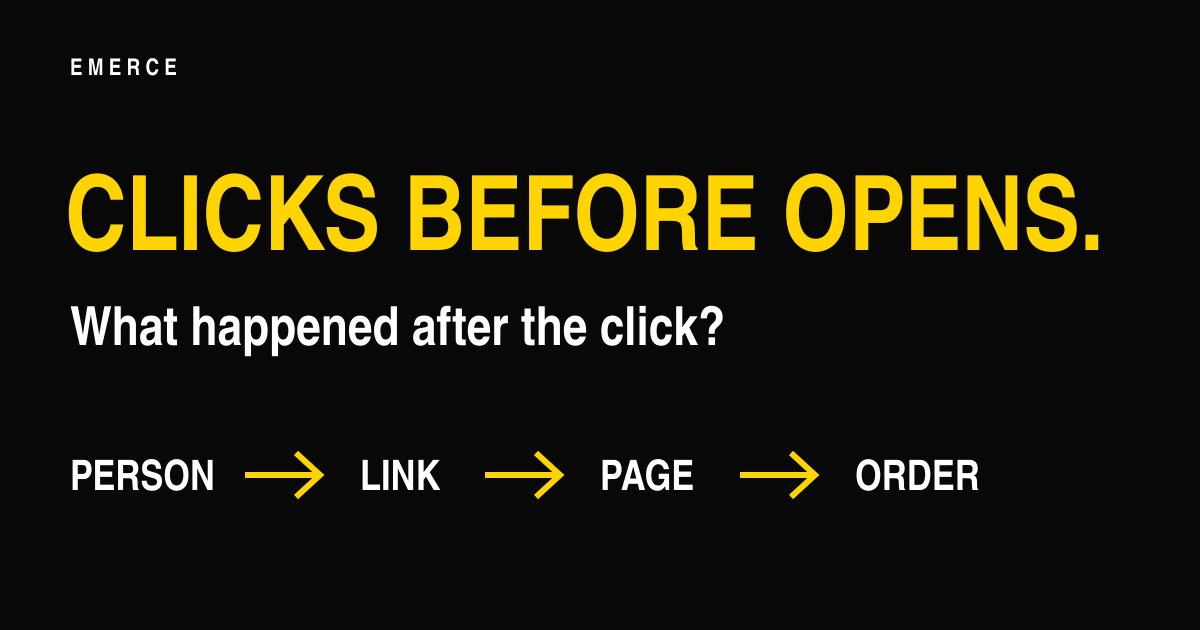
Was it a person? What did they click? Did the page match? Did they buy?
You might fix a link, change a landing page, explain the offer more clearly or send the next campaign to a better-matched group. You do not need to change everything at once.
Keep the comparison fair. Make the change. Review it again.
If you want a clearer routine for deciding who to email, what to send and how to review it, explore the Inbox Operating System.