
A useful email segment changes a decision. It changes who gets the email, what they receive, when they receive it, or who should be left out.
If you cannot name that difference, pause before building another segment.
There are good reasons to keep a group for reporting or an account rule, too. But a new name in the sidebar is not a better email strategy. The sidebar is doing fine.
Start with the email you want to send
Ecommerce email segmentation means grouping people by a relevant difference so you can treat them differently. That difference might be a purchase, an interest they shared, a product they viewed, or where they live.
Start with the customer’s situation. Then decide what you will do about it.
For example:
| What you know | What you might change |
|---|---|
| They bought the shoes | Show the care kit and useful care advice |
| They requested a restock alert | Tell them when the right size is available |
| They already bought during the sale | Leave them out of a reminder to buy that same item |
| They live outside the shipping area | Exclude them from an offer they cannot use |
| They are new to the category | Explain how to choose before asking for the order |
These are examples, not instructions to create five segments in every account. Some jobs are better handled by an existing flow, a filter, or a conditional block inside the email.
The useful part is the different action. The saved segment is one way to carry it out.
Lists and segments do different jobs
In Klaviyo, a segment is defined by conditions. People enter or leave as they meet or stop meeting those conditions. A list is maintained through subscriptions and other additions or removals. Klaviyo explains the distinction here.
That makes segments useful for changing groups, such as recent buyers or people interested in a particular category.
It also creates an easy mistake: assuming that membership means permission to send marketing.
Klaviyo notes that a segment can pull from all contacts in the account. Its conditions do not automatically include opt-in. Check the channel subscription rules, suppressions and campaign exclusions before sending. Getting started with segments.
A product interest tells you what might be useful. It does not answer every question about whether to send it.
Use the “what changes?” test
Before creating a segment, finish this sentence:
Because these people did or need , we will change .
“Because these people bought a coffee machine, we will send setup help instead of another introduction to the machine.”
That is clear.
“Because these people have a different customer label, we will send the same newsletter at the same time.”
Less clear. What is the new segment doing?
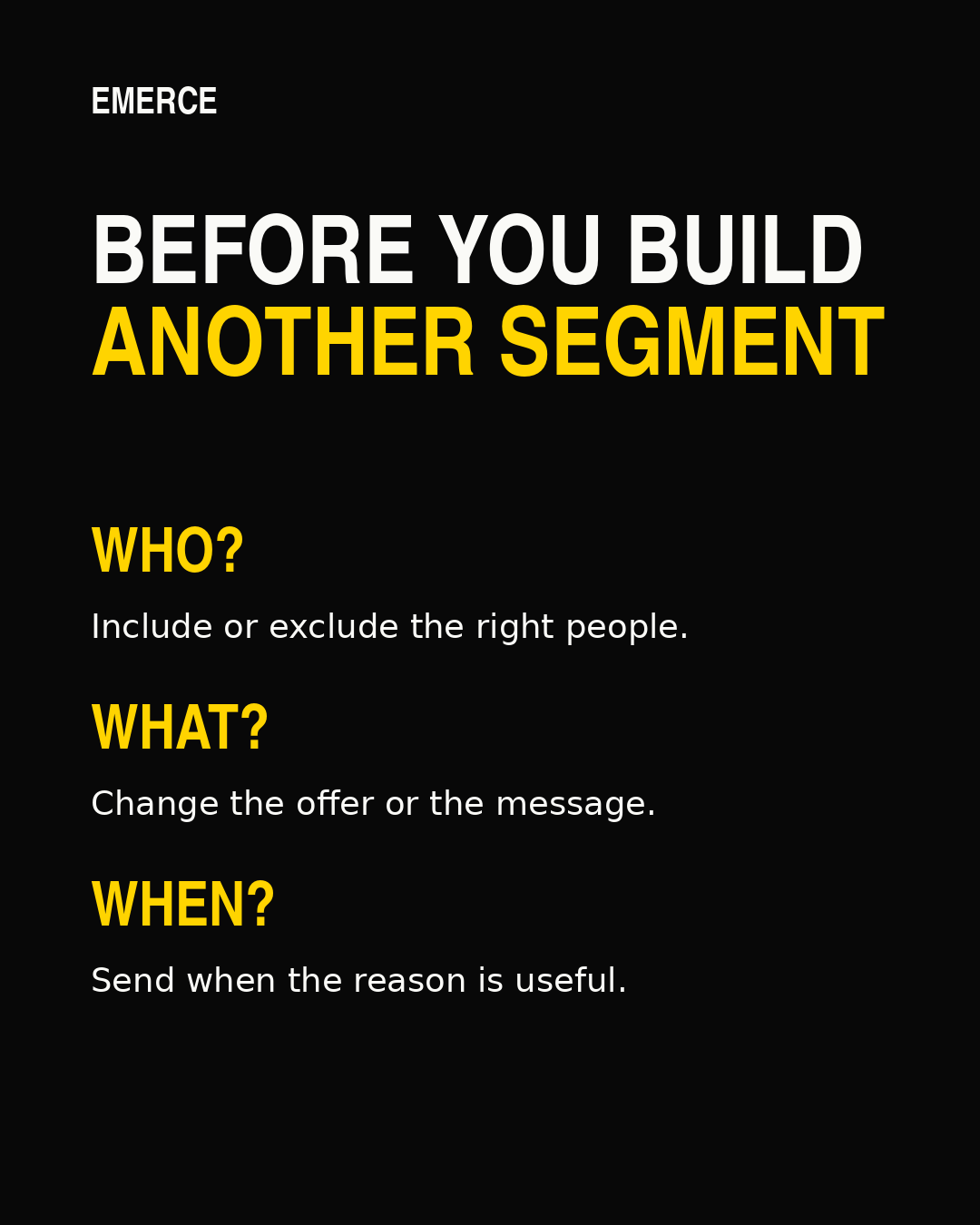
Work through three questions.
1. Who should receive this email?
There should be a reason to include each group. There may also be a reason to exclude one.
A regional event invite should go to people who can reasonably attend. A reminder for a product purchase should leave out people who have already completed that purchase when the reminder no longer helps them.
This does not mean the smallest audience wins. It means each included group has a reason to care.
If choosing the audience is the hard part, use the ecommerce email engagement ladder alongside the purpose of the campaign.
2. What should they receive?
The product, proof, offer or explanation should reflect the reason you separated the group.
A first-time buyer may need help choosing. A repeat buyer may need to know what is new. A customer who owns the main product may need a compatible accessory.
You do not always need an entirely different email. A useful product block or a clearer opening can be enough. But change something that helps the customer make the next decision.
3. When will it be useful?
Timing can be the whole point.
A restock message is useful when stock is available. Setup guidance is useful around the purchase and delivery. A seasonal reminder is useful before the season, not once the customer has already solved the problem.
If the reason starts with a customer’s action, consider whether a flow already handles it. Do not create another campaign that repeats the same job. Klaviyo’s segment-triggered flow guidance explains how entering a segment can start an automated sequence. Review the trigger and re-entry settings for the actual flow before changing its segment.
Write a short segment brief
A useful brief can fit in six lines:
- People: who belongs in the group.
- Evidence: the purchase, preference or other data that puts them there.
- Change: what they will receive differently.
- Exclusions: who should stay out.
- Owner: who checks the definition and its uses.
- Review: when you will decide whether it still earns its place.
Here is a hypothetical example for a shoe brand:
People: customers who bought leather shoes and have
not bought the care kit.
Evidence: order data mapped to the correct product
categories.
Change: care advice with a compatible kit, rather than
an email selling the same shoes again.
Exclusions: people who cannot receive marketing, people
who already bought the kit, and anyone covered by a conflicting send
rule.
Owner: the person managing campaigns.
Review: after the planned campaign, then when the
product range changes.
There is no magic number of days that makes this right for every store. Choose the time window from how people use and buy the product. Then check whether the data supports it.
Check the definition before the campaign
A sensible idea can still become the wrong audience if the conditions are wrong.
Read the logic aloud. “Bought shoes AND has not bought the kit” is different from “bought shoes OR has not bought the kit.” The second version can include a lot of people who never bought shoes.
Inspect sample profiles that belong in the segment and some that should not. Check missing properties, product names, event dates and the time window. Confirm that the events you expect are arriving.
Then preview the email and destination for that group. The right audience will not rescue the wrong product page.
Do these checks after edits too. A familiar segment name does not guarantee an unchanged definition.
Keep it, merge it, or remove it
Existing segments need the same test. Add one question first: what currently uses this?
Check campaign recipients and exclusions, flows, forms, ad audiences and reports. Ask the owner before removing anything whose use is unclear.
Keep it when it supports a different send, a necessary exclusion, a working automation or a report that changes a decision. A reporting segment does not have to send an email to be useful.
Consider combining it with another segment when they serve the same job and their rules can safely be combined. Compare the people included before and after. Preserve exclusions. Similar names and overlapping membership are not enough.
Remove an unused definition only after confirming that nothing depends on it and keeping a record of its rules if needed.
Here, removing a segment means retiring the saved group definition. It does not mean deleting customer profiles. Profile deletion is a separate action that can permanently remove customer information and history. Klaviyo’s profile maintenance guidance explains that distinction in the context of deleting people.
Account housekeeping should not become accidental customer-data housekeeping.
Judge the decision, not the number of segments
More segments can create more versions to build, more rules to check and more places for old assumptions to hide.
That work may be worthwhile. It should earn its place.
After the send, check whether the change helped people take the intended next step. Review relevant clicks, orders and revenue alongside unsubscribes and complaints. Look at the size of the group as well as the rates.
Do not treat a better result in a handpicked group as proof that segmentation caused the improvement. If you need to establish that, use an appropriate controlled test. Keep the question narrow enough to answer.
The goal is a better decision about the next email. A beautifully organized account is a pleasant bonus.
Build the next segment only when you can name its job
Start with one planned email. Name the people who have a reason to receive it. Decide what should change for them. Check whether an existing segment or flow already does the job.
Then build what is missing.
If you are unsure whether the bigger problem is the audience, the message, the frequency or the reporting, get the free Email Revenue Audit. It helps you choose one part of the program to work on next.